AIV Creator
Bring your ideas to life.
One character. Every kind of story.
A character made from a description, photographed, put in an ad, given a voice, and made to talk — all in one studio.
Three letters, three things it makes
Audio, image and video are one studio here, not three tools that hand files to each other.
- Audio
Design a voice from a description, or clone one from a recording. A script becomes speech, and a character keeps the voice you gave it.
- Image
Build a face and a body from choices, not typing. Then photoshoots, try-on, relighting, new backgrounds, retouching, other angles, upscaling.
- Video
Animate a picture, connect two frames, continue a clip. Talking clips that use your character's own voice, and upscaling when the take is right.
How it works
Four steps, in the order you would actually do them.
- Build a character
Pick the traits. Four faces come back side by side, you choose one, and the body is made from it.
- Photograph them
One setting, up to eight shots. The first arrives on its own so a brief that reads wrong costs one picture.
- Put them to work
A product ad around something you sell, or a new piece mixed from the pictures and clips you already have.
- Give them a voice
Write the words, hear them spoken, and turn the take into a clip where your character says them.
A look at it
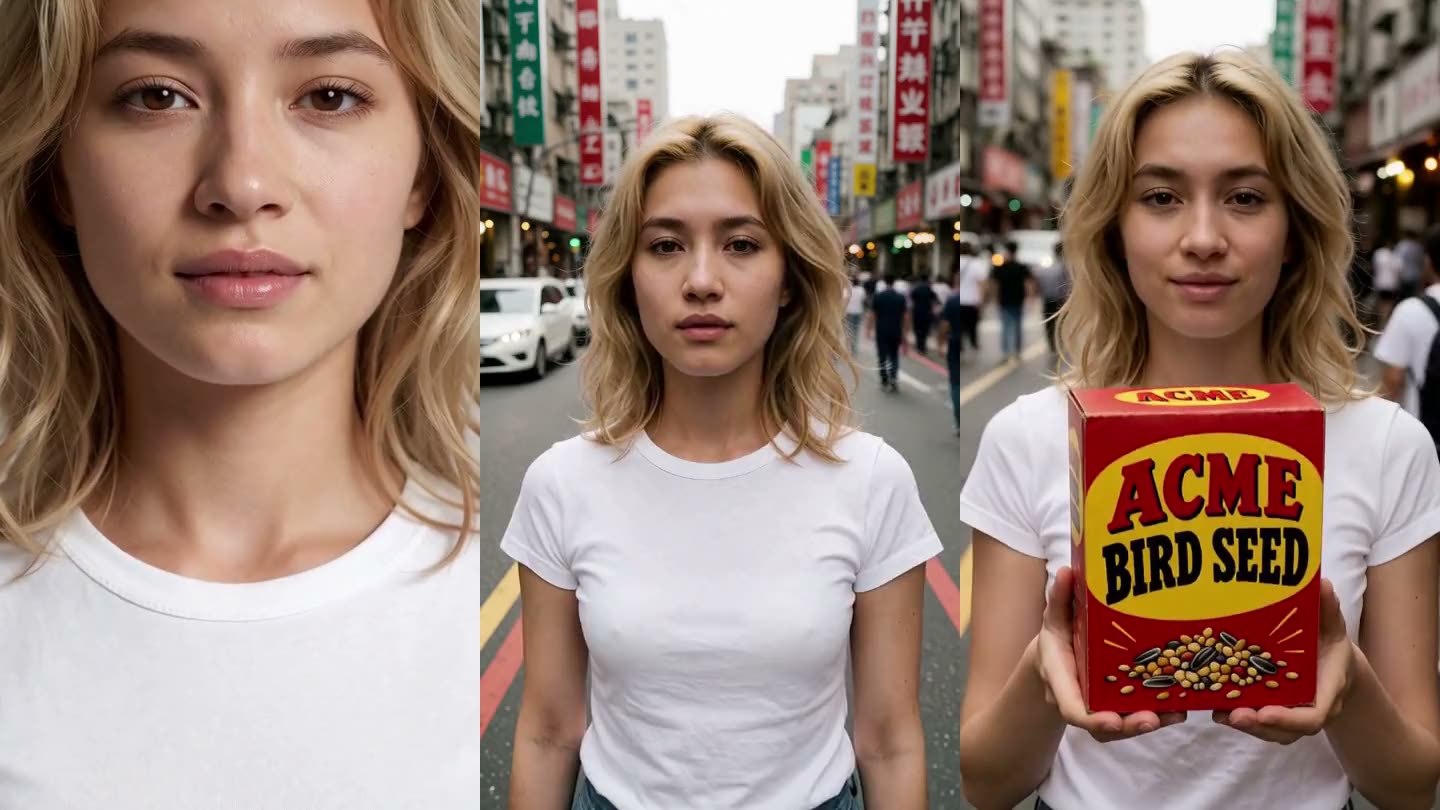
Why make any of this?
WHY?Tap to find out
Start building your cast.
Log inAccess is by invitation.